How campground reservation windows work
Build a booking calendar around the exact facility’s release rule and time zone.
Specs and limits
Record the facility, accommodation type, arrival date, release rule, release time, and time zone. Rules checked November 19, 2026 are examples, not a permanent nationwide booking calendar. The individual facility’s current terms control.
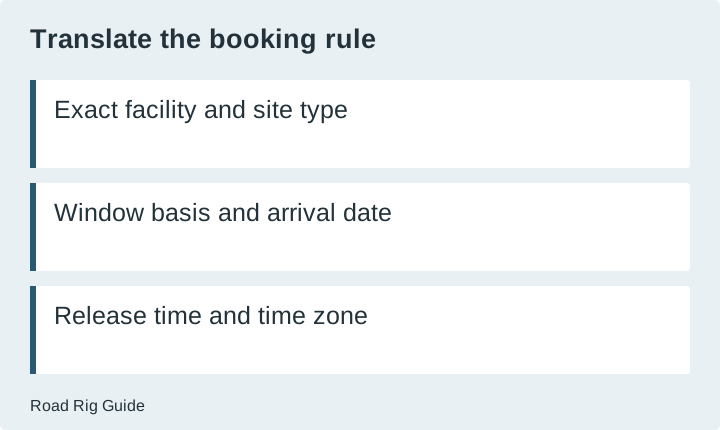
A reservation can fail before you ever reach the payment screen if you calculate the wrong opening day or confuse the booking clock with your own time zone. Start by translating the facility’s release rule into a calendar entry you can explain. “Book early” is not a usable plan until you know what early means for that exact site.
There is no single reservation window for North American campgrounds. Some facilities use a rolling window, some release groups of dates, and some use other arrangements. A rule remembered from last year or from a nearby park should be treated as a lead to verify, not a current answer.
Identify what is being released
Find the page for the actual campground or accommodation, not just the agency’s home page. Confirm whether the rule applies to campsites, cabins, group facilities, or another booking type. Also check whether all sites follow the same rule or whether a subset is released differently.
Write the arrival date and intended departure date separately. A rule may be expressed in terms of arrival while the permitted stay extends beyond that date. Do not assume how the system handles the remaining nights. Look for the facility’s explanation of maximum stay, booking extensions, and modifications.
Keep the source URL and the date you checked it. If you contact the operator to resolve ambiguity, record the answer and who provided it without publishing private contact details. The point is to retain an auditable planning note, not to build a collection of screenshots with no context.
Translate the rule into a calendar task
For a rolling window, determine whether the rule is measured in calendar months or a number of days. Those are not interchangeable. If the wording is unclear around the end of a month, use the booking system’s own calendar or ask the operator rather than guessing at an edge case.
Next, record the release time and time zone exactly as the operator states them. Convert to your own location for convenience, but retain the original. Daylight-saving changes can make an old conversion unreliable. A calendar reminder should tell you both when to act and which source rule produced that time.
Do not schedule a booking attempt from a generic blog’s countdown alone. Use the actual operator’s rule and confirm the desired date appears as expected. A reminder is an aid to your preparation, not evidence that a reservation will become available or that you will obtain it.
A state-specific example, with its boundary
As checked on November 19, 2026, Colorado Parks and Wildlife’s camping page describes a six-month advance campsite reservation window and gives midnight online release guidance. This is a Colorado state-park example. It is not a rule for all state parks, federal facilities, or private campgrounds.
Use that example to see how a planning record should work: identify the operator, the relevant accommodation, the desired arrival, and the current release instructions. Before acting, read the current page and the particular park’s details. This guide intentionally does not create a personalized release date for an unspecified trip.
Recreation.gov’s policy page states that specific location policies supersede general ones. That is why a platform-wide rule cannot answer every facility question. Follow the facility’s own booking information where it adds conditions or differs from general guidance.
Prepare a booking worksheet
| Field | What to record | Why it matters | | --- | --- | --- | | Facility and site type | Exact campground and accommodation | Prevents using another product’s window | | Stay | Arrival and departure dates | Separates release timing from stay length | | Window basis | Months, days, or scheduled release | Prevents a calendar arithmetic mistake | | Release clock | Time plus stated time zone | Makes the action time unambiguous | | Eligible sites | Sites that fit the rig and household | Avoids booking an unusable opening | | Change terms | Current cancellation and modification rules | Shows the consequence of later changes | | Backup | Another suitable date or facility | Keeps a failed attempt from becoming a crisis |
This is a planning worksheet, not a booking service. Road Rig Guide does not monitor live inventory, hold a site, or submit a reservation. Complete the relevant account and payment preparation directly with the operator using its current instructions.
Filter for suitability before opening time
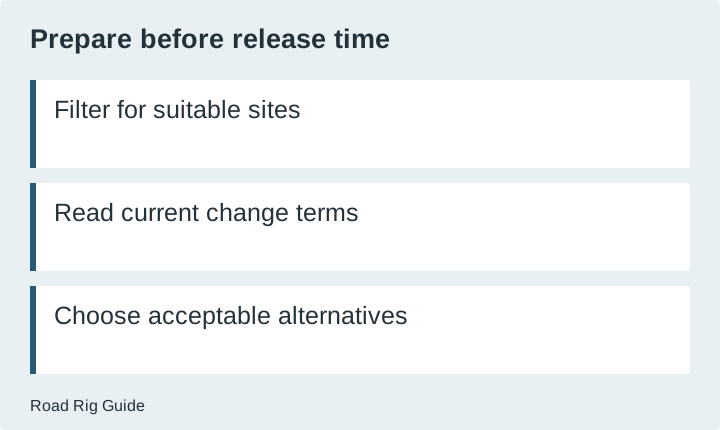
Build a shortlist of sites that meet your requirements. Check dimensions, vehicle rules, services, and arrival arrangements before the release moment. A rapidly selected site is not a success if the rig cannot use it. Keep the minimum requirements visible beside the site list.
Decide which alternatives you would accept. Different dates, another suitable site, or a nearby facility can each be a valid backup, but they may change the route or total cost. Use the trip-budget worksheet to understand those changes in advance without assuming the alternatives will be available.
Avoid holding contradictory plans you cannot responsibly manage. Read the operator’s limits and terms for reservations and cancellations. A strategy that depends on ignoring those terms is not a sound way to improve your chances. Keep the plan within the actual booking rules.
Read an unavailable result carefully
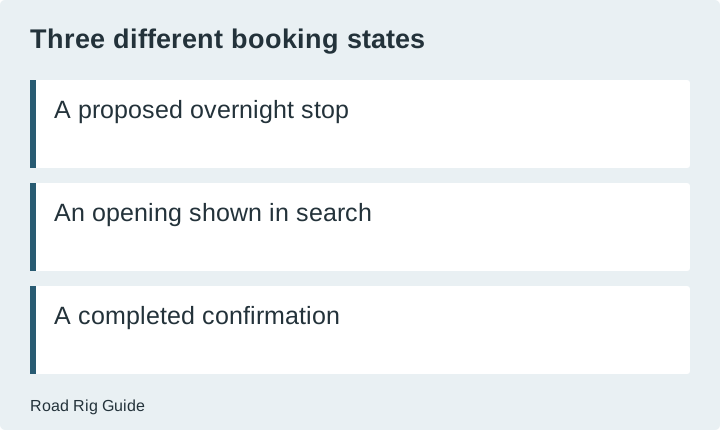
A date that cannot be booked may be outside the release window, sold out, closed, or subject to another restriction. Do not infer the reason from the absence of an available button alone. Read the system’s explanation and the facility notices. If essential information remains unclear, ask the operator.
Likewise, an opening shown during a search is not a confirmed reservation. Follow the operator’s process and keep the resulting confirmation. Check that it contains the correct dates, accommodation, and any relevant site details. Do not treat an incomplete checkout or a cart as proof of a booked stay.
If plans change, use the official change or cancellation process. Keep the confirmation of that action too. The exact consequence depends on the current terms and timing; this guide does not invent a universal cancellation fee or promise that every change can be made without cost.
Recheck before the trip
A valid booking does not eliminate the possibility of an operational change. Review current facility notices and arrival instructions before leaving. Save the details for offline use, including how to contact the operator if the expected arrival becomes impossible.
Your booking record should answer four practical questions: what was confirmed, under which terms, how you will arrive, and what you will do if the plan changes. A correctly calculated release time helps obtain the booking, but those later checks are what make it useful on the road.
Sources
- Colorado Parks and Wildlife: camping
Accessed 2026-11-20. Check the source for equipment-specific instructions and current policies. - Recreation.gov: rules and reservation policies
Accessed 2026-11-20. Check the source for equipment-specific instructions and current policies.